
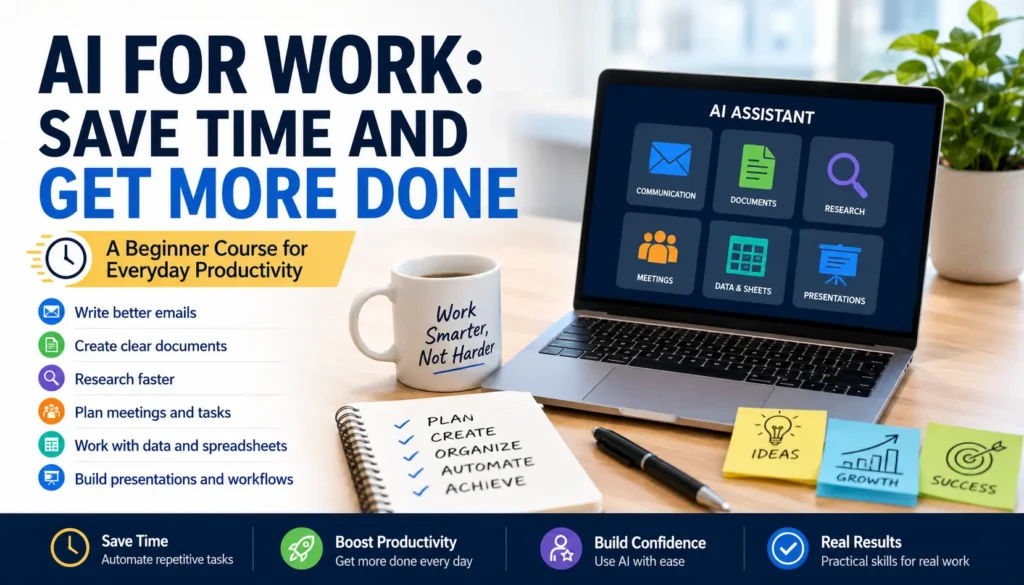
A Beginner Course for Everyday Productivity
Practical AI Skills for Emails, Documents, Research, Meetings, Spreadsheets, and Presentations
AI is becoming a practical tool for everyday work. It can help people write faster, organize information, summarize long content, plan tasks, prepare documents, and create better workflows. This beginner-friendly course teaches you how to use AI in real workplace situations without technical language or unnecessary theory.
You will learn how to use AI for common work tasks such as writing professional messages, creating reports, summarizing information, preparing meeting notes, organizing spreadsheets, and building simple productivity workflows. The course focuses on practical examples, clear habits, and safe use, so you can start saving time at work with confidence.
By the end of this course, you will know how to use AI as a practical work assistant for communication, planning, research, documents, admin tasks, and presentations.
Curriculum
- 6 Sections
- 18 Lessons
- Lifetime
- Module 1: Work Communication with AI4 ItemsWork communication takes a large part of the working day. People write emails, answer clients, respond to managers, explain problems, summarize discussions, and follow up after decisions. AI can help with these tasks, but it should not replace your judgment. The goal is not to let AI speak for you without review. The goal is to use AI as a writing assistant that helps you organize your thoughts, improve clarity, and save time. In this module, learners will practice using AI for everyday communication. They will learn how to draft professional emails, improve tone, and summarize long messages. Each lesson focuses on a real workplace situation, so the skills can be used immediately.
- Module 2: Documents, Reports, and Business Writing4 ItemsMany workplace documents start as messy notes. A person may have ideas, meeting points, numbers, tasks, or project details, but not a clear structure. AI can help turn this rough material into a readable document. This is useful for reports, project updates, proposals, instructions, service descriptions, and internal documents. The goal is not to let AI create final business documents without review. The goal is to use AI to organize information faster, improve structure, and reduce the time spent staring at a blank page. In this module, learners will practice creating documents from notes, writing useful work updates, and improving document quality before sharing it with others.
- Module 3: Research and Information Checking4 ItemsAI can make research faster, but it should not be treated as a final source of truth. At work, research often affects decisions, money, clients, deadlines, or risk. A quick AI answer can help you understand a topic, create a comparison, or organize possible next steps, but important facts still need checking. In this module, learners will practice using AI as a research assistant. They will learn how to explore a topic, compare options, and verify information before using it. The focus is practical: saving time without becoming careless. Learners will also understand when AI is useful and when official sources, expert advice, or updated information are required.
- Module 4: Meetings, Planning, and Task Management4 ItemsMeetings and planning can take more time than expected. People often join meetings without a clear agenda, leave with unclear responsibilities, or start the day with too many tasks and no priority order. AI can help by organizing information before and after work happens. This module focuses on using AI as a planning assistant. Learners will practice creating meeting agendas, turning meeting notes into action items, and planning workdays or small projects. The purpose is not to make AI manage the work for you. The purpose is to help you think more clearly, reduce confusion, and make work easier to follow.
- Module 5: Spreadsheets, Data, and Admin Work4 ItemsSpreadsheets and admin tasks can feel difficult for beginners, especially when they involve formulas, messy lists, repeated information, or unclear tables. AI can help explain spreadsheet logic, suggest formulas, organize data into useful formats, and make admin work easier to manage. This module does not try to turn learners into data analysts. The focus is practical workplace use. Learners will practice asking AI to explain formulas, create simple trackers, and clean basic information. They will also learn to check AI suggestions carefully, because spreadsheet mistakes can lead to wrong totals, missing tasks, or incorrect decisions.
- Module 6: Presentations and Personal AI Workflow4 ItemsAt the end of this course, learners should be able to use AI in a practical and organized way. This module brings the course together by focusing on presentations and repeatable workflows. Presentations often take time because people need to organize ideas, choose the right structure, and write clear slide text. AI can help create a first outline and improve the message. Learners will also build a personal prompt library and a simple AI workflow for real work. The goal is not to use AI randomly. The goal is to create a repeatable system that helps with common tasks while still keeping human review and judgment.
